Mastering the Art of Raked Floors in Revit: A Cinematic Twist on Architectural Design
In the theater world, raked or sloped floors are a common sight. They serve a dual purpose: as a visual trick to manipulate perspective and as a subtle means to guide actors gracefully through a set. However, when it comes to film and television, raked floors aren’t as prevalent. Cameras prefer horizontal surfaces to glide upon smoothly. But today, I’d like to share a technique I recently remembered in Revit that allows you to achieve raked floors effortlessly.
The Revit Revelation: Creating Raked Floors
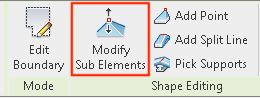
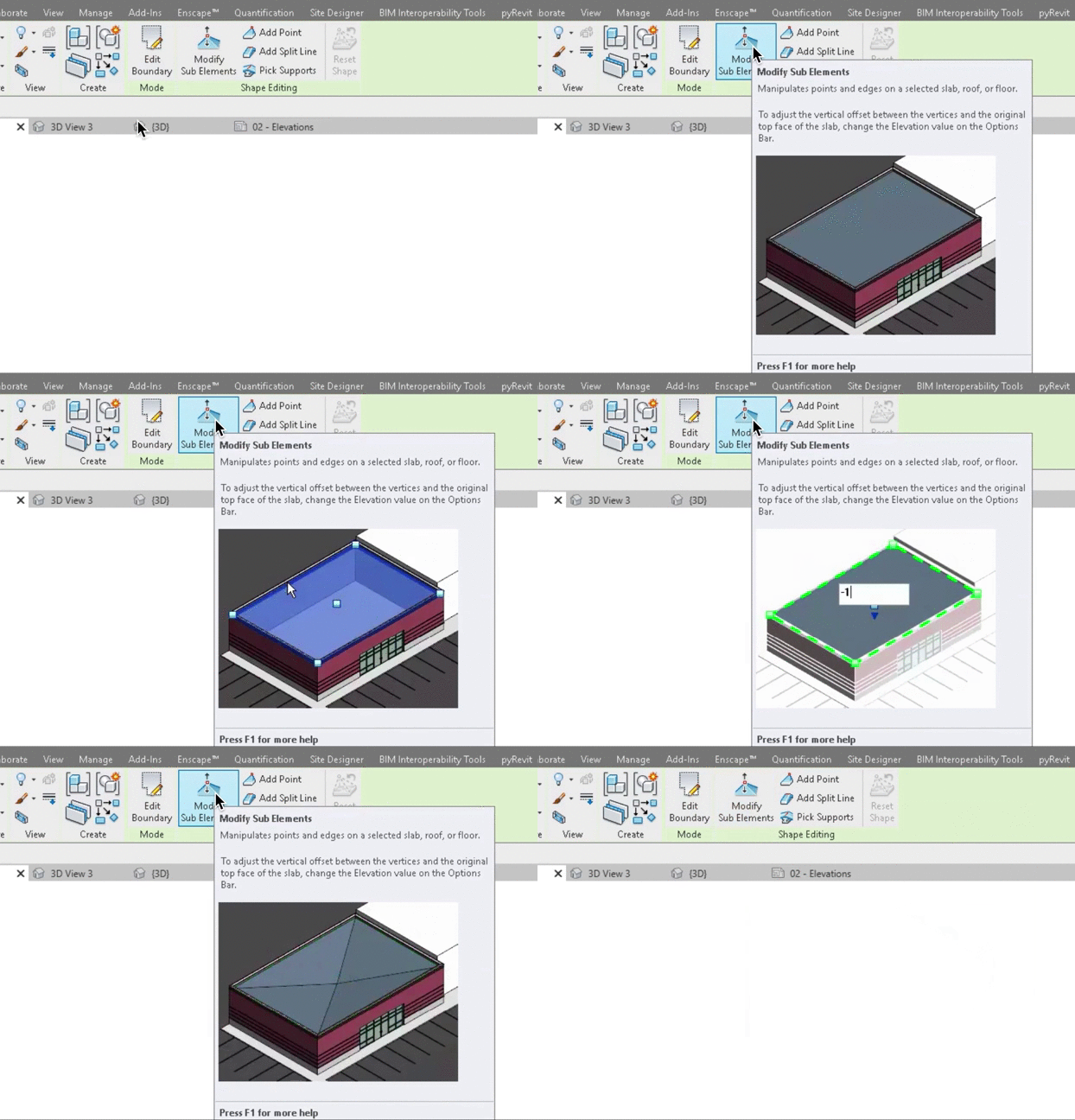
The process is surprisingly straightforward. It begins just like any other floor creation in Revit, but here’s where the magic happens. After creating and selecting your floor, look for the “Modify Sub Elements” button. This button grants you access to the vertices of your shape, giving you the power to create as many as you need. From there, you can adjust the height of each point or boundary line. The result? A floor that transitions smoothly, creating the raked effect you desire.
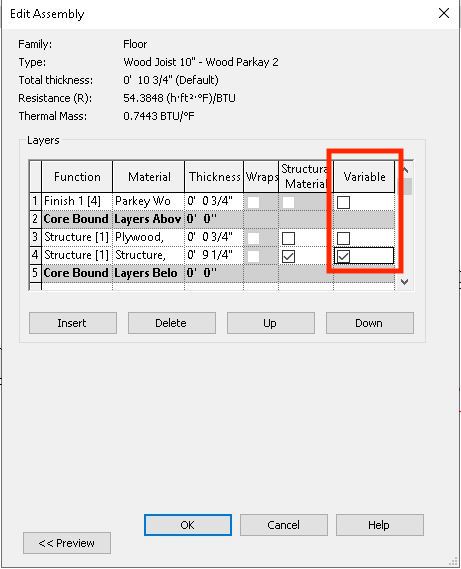
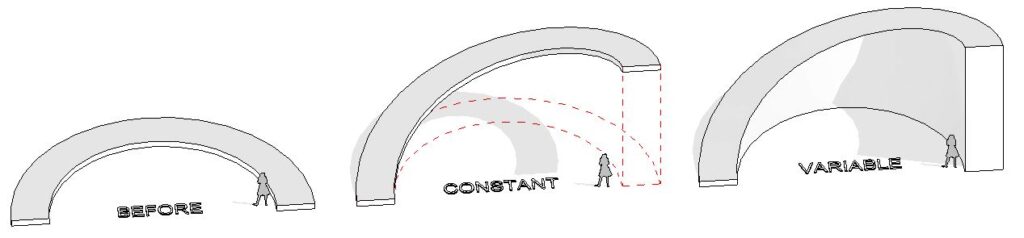
Now, you have some flexibility in how you execute this. You can maintain a consistent thickness for the floor or create a solid ramp-like structure. The choice is yours, thanks to the “variable” checkbox in your floor’s assembly properties.
Putting It into Practice: Curved Slopes
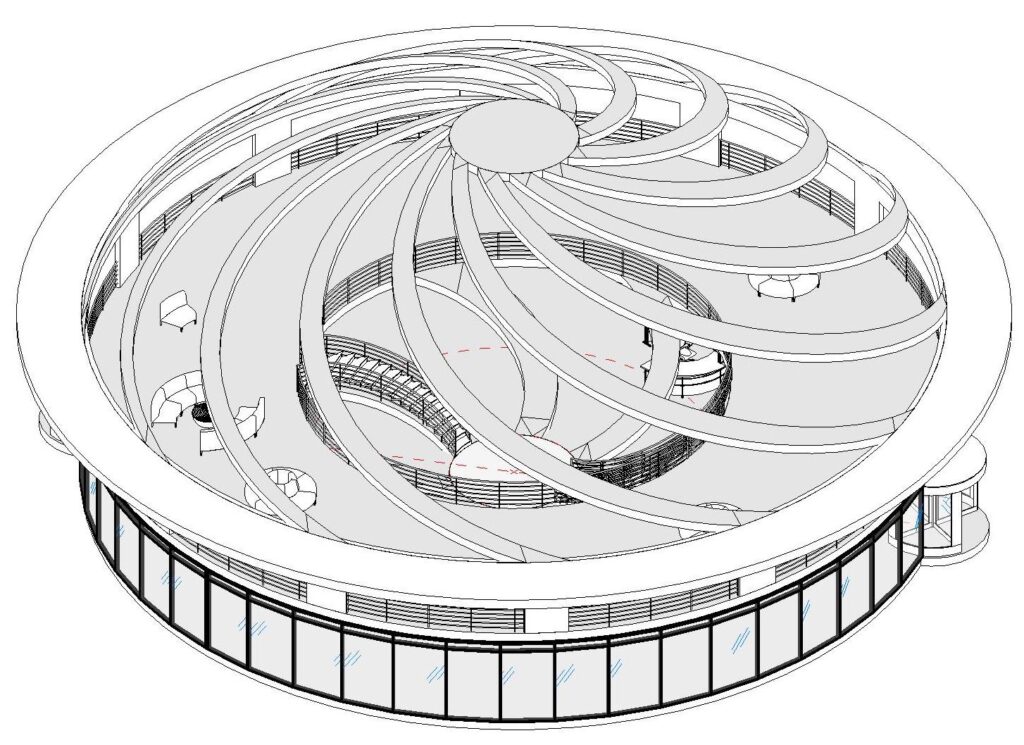
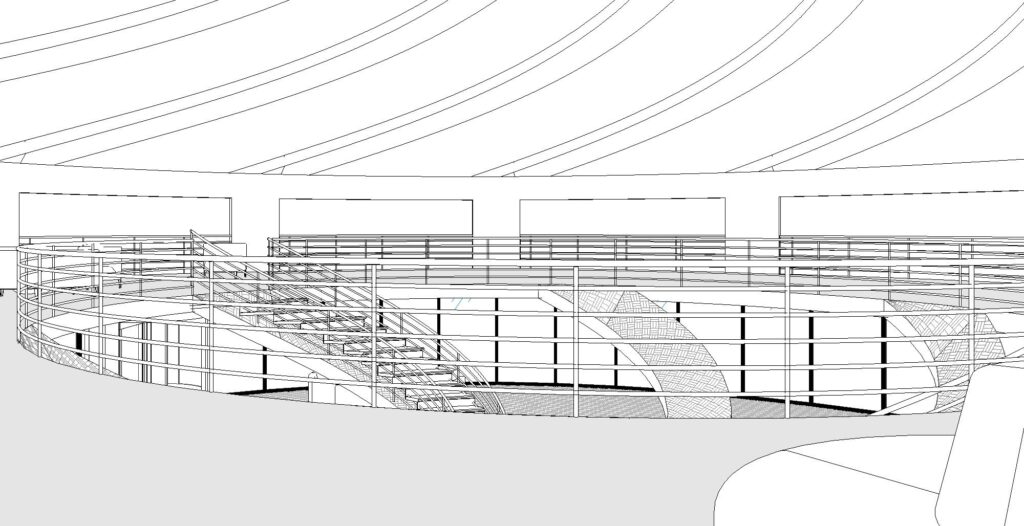
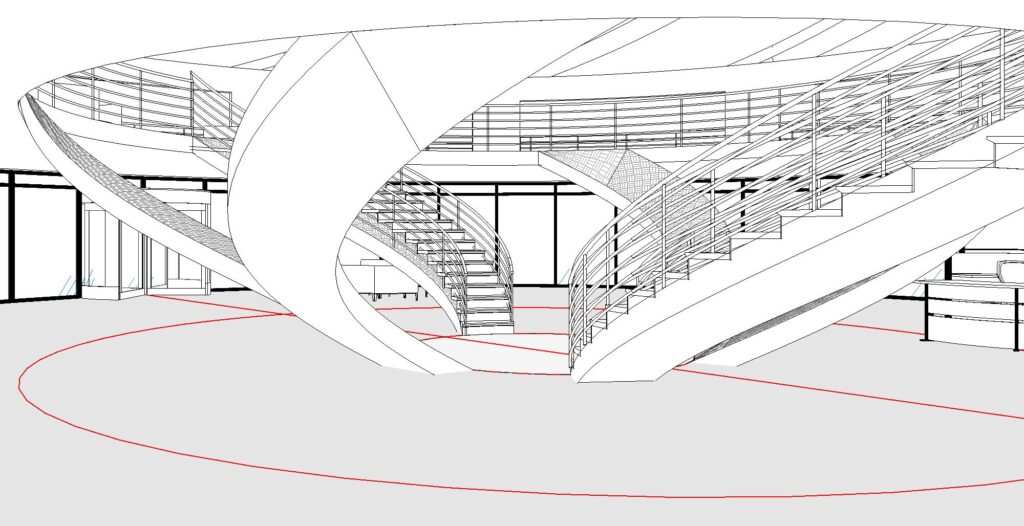
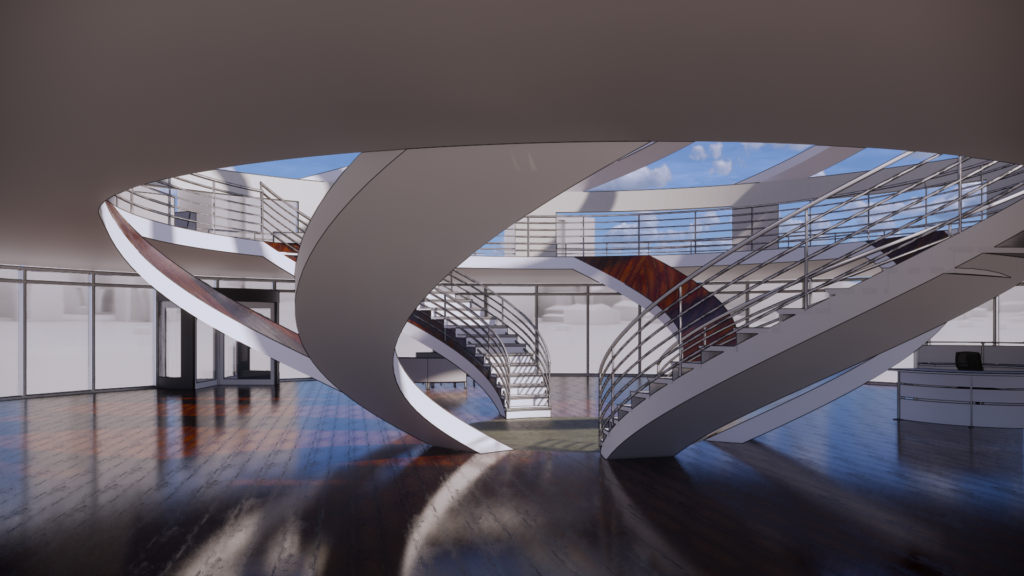
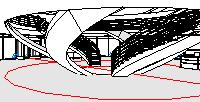
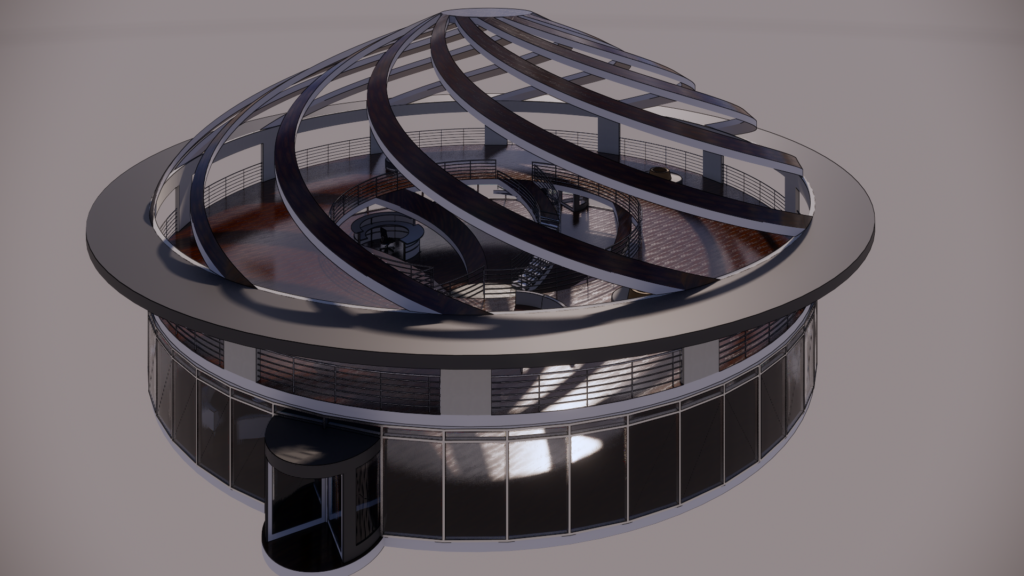
To demonstrate this technique, I recently used it to create curved slopes in a building project. The versatility of this approach allowed me to achieve the desired effect seamlessly.
So, what can you create with this newfound knowledge? I encourage you to experiment and explore the possibilities within your projects.
Conclusion: Enhancing Architectural Creativity
In the world of architectural design, versatility is key. Knowing how to achieve effects like raked floors, even in software primarily designed for architectural modeling, can give your projects a unique edge. Whether you’re designing for the stage or screen, Revit’s flexibility can empower your creative vision.
Ready to try it out? If you’d like more detailed instructions on using this technique, you can find them [here](insert Autodesk instructions link).
Let your architectural imagination run wild and see how this technique can add depth and perspective to your designs, just like the magic of theater.
Makeshift: A Filmmaking Journey with Coca-Cola Refreshing Filmmaker Award Finalists
Do you remember when you stumbled upon something truly extraordinary, something that felt like a blast from the past? Well, we’re about to take you on a nostalgic trip back to a remarkable moment in our filmmaking journey during our time at the Savannah College of Art & Design.
It all began when our film, “Makeshift,” a Coca-Cola Refreshing Filmmaker Award Finalist, was still just a concept brimming with creativity and youthful enthusiasm. Our team, comprised of talented individuals who shared a passion for storytelling, embarked on a mission to bring this project to life.
The Plot Unveiled
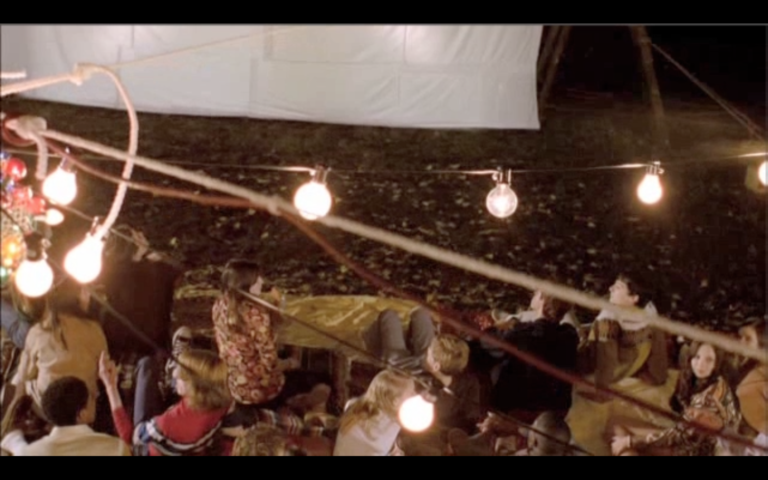
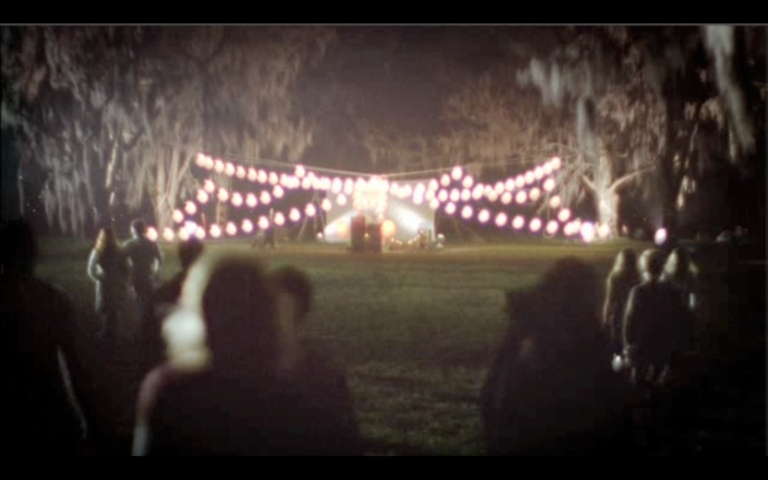
The heart of our commercial revolves around a young man who stumbles upon a group of friends in an open field. Seizing the opportunity to spread joy and excitement, he transforms this simple field into a magical pop-up movie screening. Picture this: a makeshift concession stand, a movie screen, and an old-school film camera all coming together under the summer sky. It’s a story that captures the essence of youthful spontaneity and the joy of creating memorable experiences with friends.
Behind the Scenes
Every great film requires a dedicated crew, and ours was no exception:
Broody Carmikell – Director: The visionary behind the camera, Broody brought our story to life with his exceptional directing skills, ensuring that every frame was infused with the magic of the moment.
Zach Graber – Director of Photography: With an eye for capturing the perfect shot, Zach skillfully crafted the visual narrative, ensuring the essence of summer and camaraderie shone through.
Joshua Green – Production Designer: Joshua was instrumental in setting the stage for our pop-up movie experience, meticulously designing the set to evoke nostalgia and wonder.
Yolande Thame – Set Dresser: As the set dresser, Yolande added the final touches that made our creation feel inspirational and relatable. Her attention to detail breathed life into our project.
Creating Magic on Set
Dressing the set was a task that brought us immense joy. We wanted our audience to feel the nostalgia and excitement that the characters on screen were experiencing. From the retro concession stand filled with iconic Coca-Cola bottles to the warm, inviting glow of the makeshift movie screen, every element was carefully chosen to create a sense of wonder.
Conclusion
Our film, “Makeshift,” a Coca-Cola Refreshing Filmmaker Award Finalist, was not just a project; it was a journey filled with passion, creativity, and the joy of filmmaking. It reminds us of the power of spontaneity, the importance of creating unforgettable moments, and the magic that happens when a group of talented individuals comes together to tell a story.
So, as you sip on your Coca-Cola and reminisce about those timeless moments, remember that “Makeshift” captures the magic of the past and brings it to life on the silver screen. Cheers to the power of storytelling and the memories that last a lifetime!